DuckDB 2.0 Preview: Query a CSV Directly with a Simple Node.js CLI
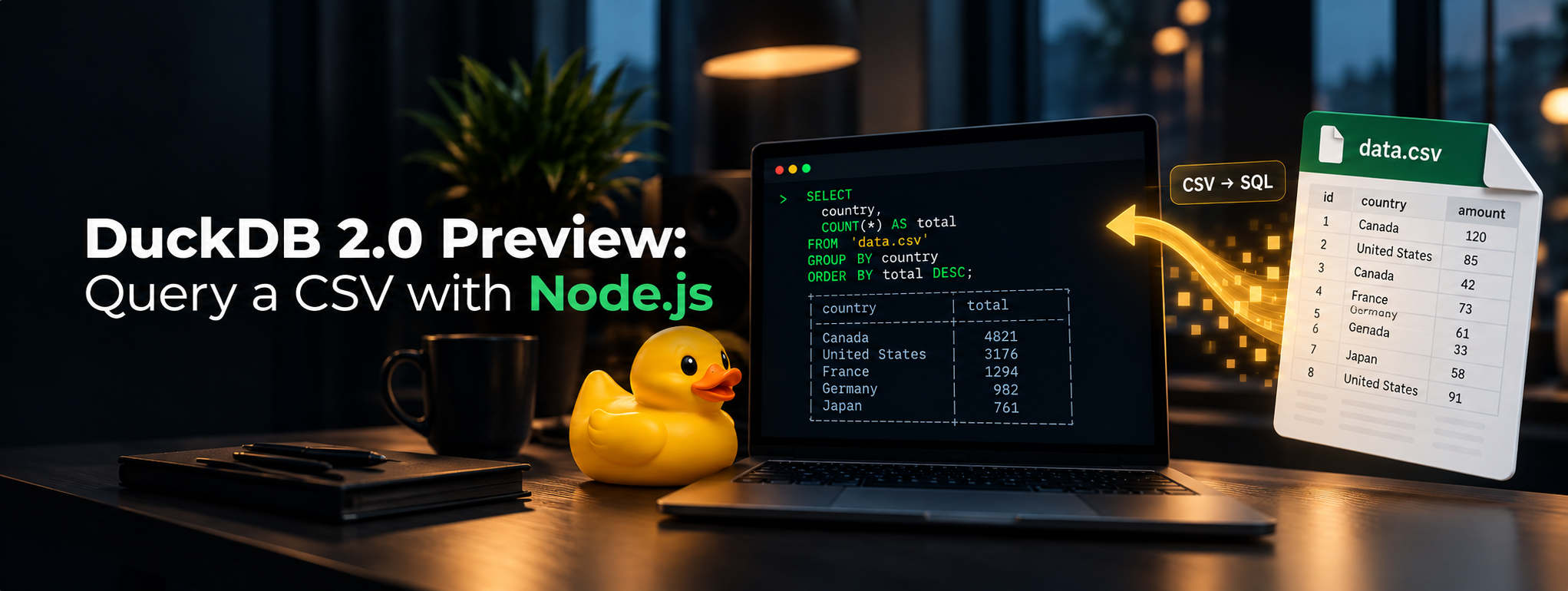
CSV files are where data goes to become somebody else’s small emergency. A sales export arrives in Slack, it has six columns, and suddenly I am opening a spreadsheet, filtering a column, and wondering whether I just made a pivot table or summoned one.
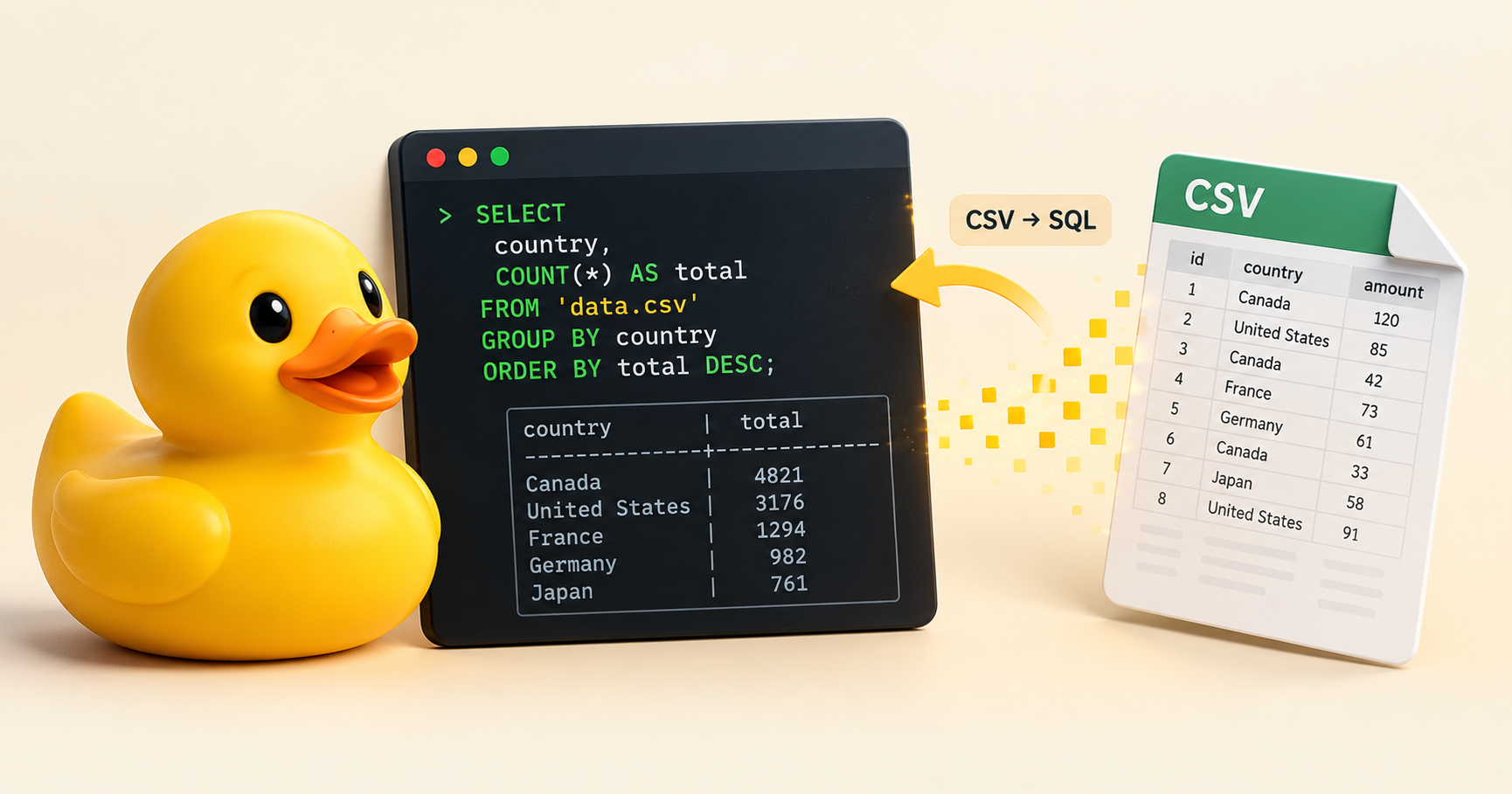
For the small, one-off questions, I would rather use SQL. DuckDB can query a CSV directly, and a tiny Node.js CLI makes that repeatable without turning it into a web app, a service, or a database project. Give the script a filename, let DuckDB read the file, and print the answer in the terminal. Nothing is imported and no .duckdb database file is created.
DuckDB 2.0 is an exciting preview right now, but this tutorial deliberately keeps its feet on the ground. The official 2.0 preview announcement says the release is projected for the second half of October 2026 and that alpha clients are not production-ready. At the time I tested this post, the published @duckdb/node-api package was 1.5.6-r.1, backed by DuckDB v1.5.6. So the runnable CLI below uses the stable Node client—not an imaginary 2.0 Node package—and it demonstrates a workflow that is useful today.
Quick Answer
Install the official @duckdb/node-api package, create an in-memory DuckDB instance, and call read_csv() from SQL. The script below accepts a CSV path, binds that path as a query parameter, groups sales by region, and displays the result with console.table().
Use this when the task is: “What does this CSV say?” Not: “Please design a data platform.” The second task can wait until after coffee.
Useful official references:
- DuckDB Node.js (Neo) client documentation
- DuckDB CSV import and direct-reading documentation
- DuckDB 2.0 preview highlights
- DuckDB 2.0-dev status update
Why Bother?
Spreadsheets are great for looking at a handful of cells. They become less charming when I need a repeatable filter, an aggregate, or a slightly more interesting question. A CLI gives me a tiny, versionable tool: the SQL is visible, the input is a file argument, and the output can be pasted into a ticket or piped into another command.
DuckDB is a particularly good fit because it runs in-process. The Node program creates an in-memory instance with DuckDBInstance.create(':memory:'), runs the query, prints the rows, and exits. There is no separate server to start and no persisted database in this example. DuckDB’s CSV reader also attempts to detect the file’s format and column types, which is a sensible first try for ordinary exports.
That does not mean every CSV will be polite. A vendor export with unusual delimiters, date formats, or inconsistent rows may need explicit read_csv() options. The nice part is that the escape hatch is still SQL, not a second application.
What We Are Building
Our CLI has one job:
1
node query-csv.js sales.csv
It reads the file directly and returns regional units sold and revenue. It does not create a table, import data into a database file, start an HTTP server, or open a browser. This is intentionally a terminal-sized tool.
The filename is passed to DuckDB as a named parameter rather than concatenated into the SQL string. That keeps a file path from becoming SQL syntax. Parameter binding is not just decoration when the argument can come from a shell script, CI job, or another human with a creatively named file.
Prerequisites
You need a currently supported Node.js installation and a terminal. Then create an empty directory for the experiment:
1
2
3
4
5
mkdir duckdb-csv-cli
cd duckdb-csv-cli
npm init -y
npm pkg set type=module
npm install @duckdb/node-api
The type=module line lets the script use the documented import syntax. DuckDB’s Node.js documentation describes @duckdb/node-api as its high-level Node client and shows both in-memory instances and parameterized SQL.
Step 1: Make a Tiny, Slightly Caffeinated CSV
Create sales.csv with this complete sample. Product names contain spaces, but need no quotes because they contain no commas, quotes, or line breaks.
1
2
3
4
5
6
7
date,region,product,units,unit_price
2026-09-01,North,Coffee Beans,12,18.50
2026-09-01,South,Cold Brew,8,6.00
2026-09-02,North,Cold Brew,15,6.00
2026-09-02,West,Coffee Beans,5,18.50
2026-09-03,South,Coffee Beans,9,18.50
2026-09-03,West,Cold Brew,20,6.00
DuckDB can directly read a CSV with SQL such as SELECT * FROM 'flights.csv'. Here I use read_csv($csv_path, header = true) instead. It is explicit about the header and, more importantly, works with a bound filename.
Step 2: Write the Node.js CLI
Create query-csv.js beside the CSV:
1
2
3
4
5
6
7
8
9
10
11
12
13
14
15
16
17
18
19
20
21
22
23
24
25
26
27
28
29
30
31
32
33
34
35
36
37
38
39
import { existsSync } from 'node:fs';
import { DuckDBInstance } from '@duckdb/node-api';

const csvPath = process.argv[2];

if (!csvPath) {
  console.error('Usage: node query-csv.js <file.csv>');
  process.exit(1);
}

if (!existsSync(csvPath)) {
  console.error(`CSV file not found: ${csvPath}`);
  process.exit(1);
}

const instance = await DuckDBInstance.create(':memory:');
const connection = await instance.connect();

try {
  const reader = await connection.runAndReadAll(
    `
      SELECT
        region,
        SUM(units) AS units_sold,
        ROUND(SUM(units * unit_price), 2) AS revenue
      FROM read_csv($csv_path, header = true)
      GROUP BY region
      ORDER BY revenue DESC
    `,
    { csv_path: csvPath }
  );

  console.table(reader.getRowObjects());
} catch (error) {
  console.error('Could not query the CSV:', error.message);
  process.exitCode = 1;
} finally {
  connection.closeSync();
}
There are only a few moving parts:
DuckDBInstance.create(':memory:')keeps this run ephemeral. Close the process and the data is gone because we never persisted any.read_csv()scans the supplied CSV in the query. Theheader = trueoption tells DuckDB to use the first row as column names.$csv_pathis a named parameter. The object passed as the second argument supplies its value; the filename is never spliced into the SQL template.runAndReadAll()gives us a reader, andgetRowObjects()turns the result into objects thatconsole.table()can display.finallycloses the connection whether the query worked or failed. Small script, small cleanup habit.
Step 3: Run It
1
node query-csv.js sales.csv
With the sample data, Node prints:
1
2
3
4
5
6
7
┌─────────┬─────────┬────────────┬─────────┐
│ (index) │ region  │ units_sold │ revenue │
├─────────┼─────────┼────────────┼─────────┤
│ 0       │ 'North' │ 27n        │ 312     │
│ 1       │ 'South' │ 17n        │ 214.5   │
│ 2       │ 'West'  │ 25n        │ 212.5   │
└─────────┴─────────┴────────────┴─────────┘
The n after 27 and friends is normal: DuckDB returns the SQL integer aggregate as a JavaScript BigInt, and Node’s table formatter makes that visible. Revenue remains a JavaScript number for this example.
Now change the SQL instead of reaching for another spreadsheet tab. Want product totals? Replace region with product. Want only strong regions? Add HAVING SUM(units * unit_price) >= 250. Want a date range? Add a WHERE clause. This is the whole point: a CSV becomes a queryable relation for the duration of one command.
DuckDB 2.0 Preview: What Changes Here?
For this exact CLI, not much—and that is good news. The basic in-process CSV-querying pattern is not a 2.0-only trick. DuckDB’s 2.0 preview includes larger changes such as a new SQL parser, a new default storage format, asynchronous I/O work, and server-oriented capabilities. Those are worth watching, especially for larger or longer-running systems.
But this post is intentionally not a server tutorial. The official 2.0-dev update lists alpha CLI and Python clients and says more clients will be added gradually. Meanwhile, DuckDB’s current Node client page identifies its stable Node (Neo) client as 1.5.6. Use the preview when you specifically want to test a preview build and report issues; use the stable Node package for a small everyday CLI unless you have verified an appropriate preview package for your platform and workload.
Common Mistakes
The most common mistake is turning a useful ten-line utility into a mini-platform. You do not need Express, React, Docker, a dashboard, authentication, or a background worker to answer “which region sold the most coffee?” Keep the tool boring until the problem stops being boring.
Other things I would avoid:
- Interpolating the path into SQL. Do not write
FROM '${csvPath}'. Use a bound parameter as shown. - Assuming CSV inference is magic. If headers, delimiters, encodings, or types are odd, set
delim,columns,dateformat, or other documentedread_csv()options explicitly. - Treating an alpha as production-ready. DuckDB’s own 2.0-dev post says alpha clients are for testing and bug reports.
- Forgetting scale.
runAndReadAll()is excellent for a short report. For a query that returns a huge result set, aggregate in SQL, addLIMIT, or use the client’s streaming APIs rather than hauling every row into Node.
Final Thoughts
The appeal here is not that DuckDB makes CSVs glamorous. It makes them less annoying. I can keep a question, a SQL query, and a command in one small script, run it against the next export, and move on with my day.
DuckDB 2.0 is worth following, but this Node.js CLI does not need to wait for it. Start with the stable @duckdb/node-api, query the CSV directly, and resist building a web app for a question that fits in a terminal.